
what is AI Agent
You've Already Used an AI Agent — You Just Didn't Know It
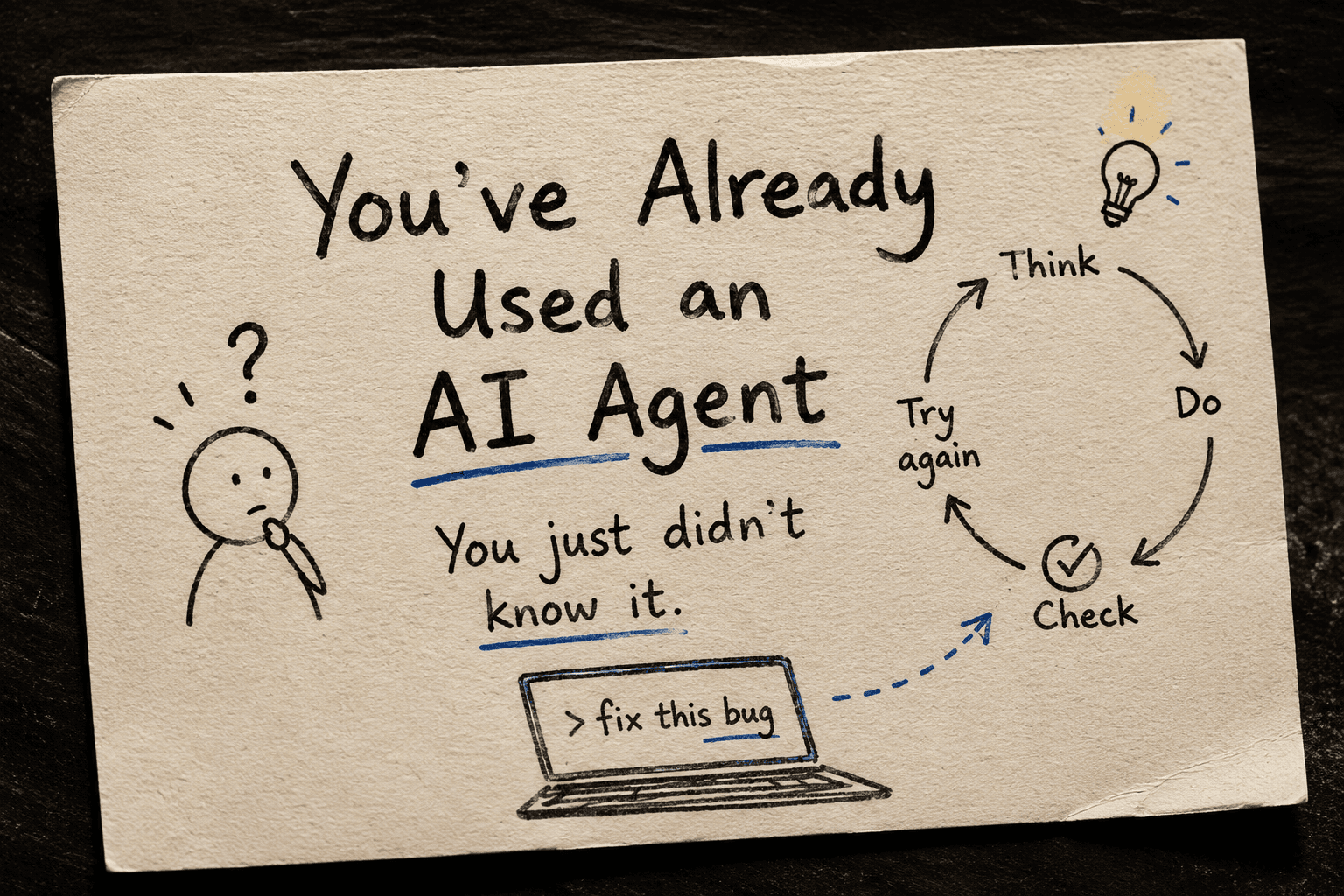
Let me ask you something before we get into any definitions.
Have you used Cursor? Claude? GitHub Copilot?
If yes — you've already used an AI agent. Nobody just never told you that.
Let me show you what I mean.
That Moment When You Just... Watched
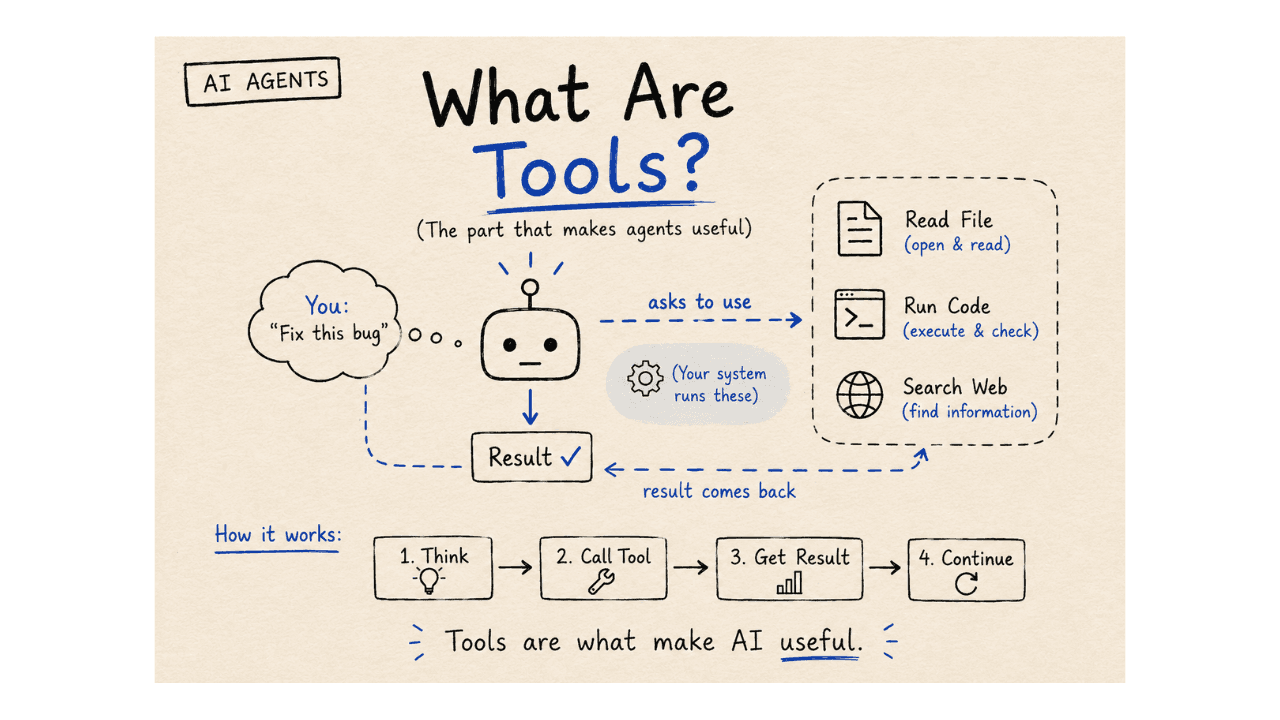
You type something like:
"fix this bug"
And then you stop. You lean back. You watch.
It reads your code. Changes something. Tries to run it. It fails. It tries again.
Most people see this and just think — "cool, it's helping me."
But something bigger is going on there.
That's not just a chatbot giving you an answer. That's something doing the work.
That's an AI agent.
So What Is an AI Agent?
Here's the simplest way I can put it:
An AI agent is AI that doesn't stop after one answer. It keeps going.
That's really it.
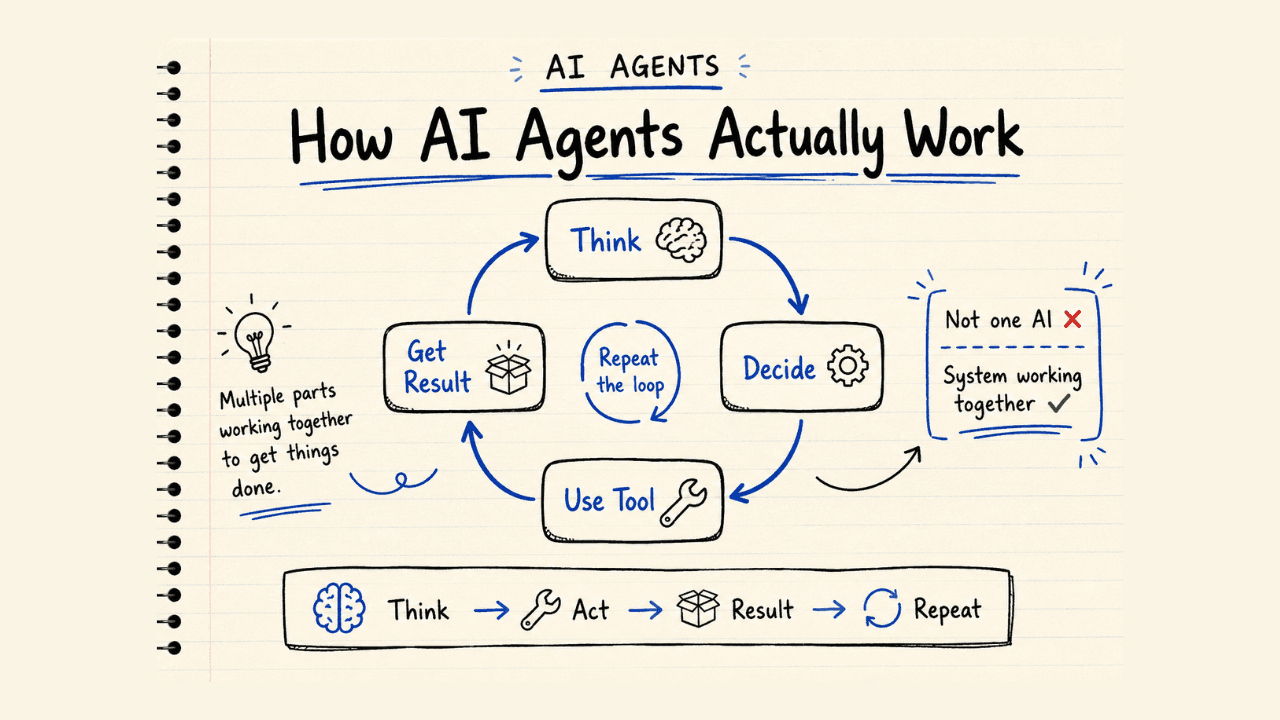
The difference is just this loop:
Think → Do → Check → Try again
A normal chatbot stops after step one. It thinks, gives you an answer, and waits for you to do the rest.
An agent keeps going — it does something, checks if it worked, and tries again if it didn't.
Side by Side — Chatbot vs Agent
Chatbot:
- You ask → it answers → done.
Agent:
- You give it a job → it works → checks if it's done → keeps working → until it's finished (or gets stuck).
Without that loop, you're just talking to a very smart search engine. With it, you have something that can actually try to get things done.
A Real Example: "Fix the Login Error"
Say you ask an AI tool to fix a login bug in your app.
A chatbot gives you a list of things that might be wrong. Good info — but you're still the one who has to fix it.
An agent opens your code. Changes something. Runs it. Sees the error. Tries a different fix. Runs it again.
You asked once. It kept going on its own.
That's why Cursor feels different from just asking ChatGPT a question in a browser tab. One gives you answers. The other actually does the work.
The Thing Most People Get Wrong
When people hear "AI agent," they picture AI running free — doing whatever it wants with no one watching.
That's not how it works.
Good agents are kept within clear limits:
They can only use certain tools
They can only do certain things
A person (or another system) keeps an eye on what they do
Giving an agent too much freedom doesn't make it better. It usually makes it worse. The best agents are kept focused — one job, clear rules, and they know when to stop.
Why This Actually Matters
Old software waited for you. Every single step needed you to tell it what to do next.
Now, software can try to finish a job on its own — even if it gets it wrong the first time.
That's a real change. Not hype. You've already seen it — every time you walked away from Cursor and came back to find the bug fixed.
Here's the question worth thinking about:
If AI can try, fail, and try again on its own — what tasks would you stop doing yourself?
The One Line to Remember
An AI agent is just AI that doesn't stop.
Continue Reading
→ Next: What Is a Tool in AI Agents?
Part of the AI Agents series · TechAngles AI Hub.